The ask? Better report flow errors of Azure Logic Apps, like the better error reporting of a Power Automate cloud flow. But because this is an enterprise-level automation, generating emails could overwhelm the mailbox. Instead, log the run links in a Microsoft Dataverse table.
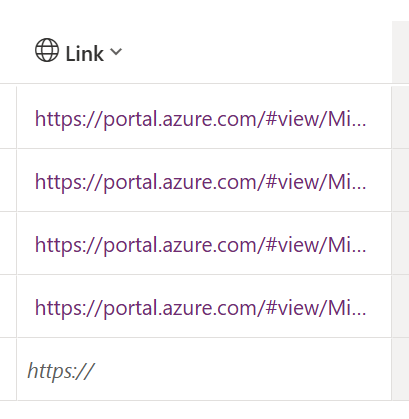
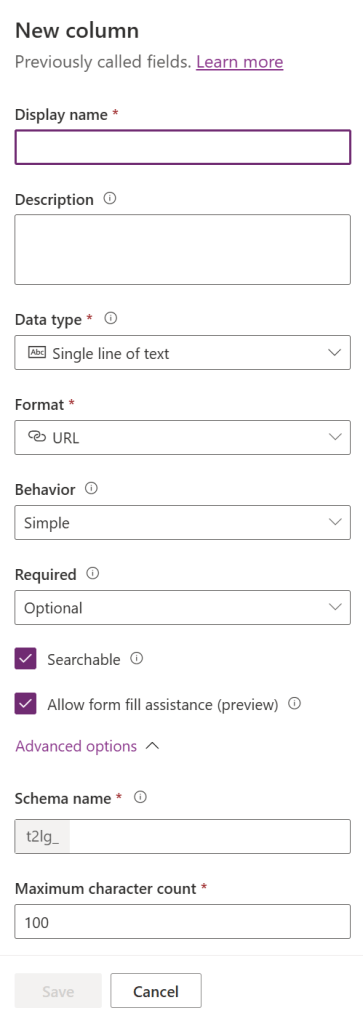
For ease, create a new Dataverse table to track these error runs. And during the creation process, include a New column of type “Single line of text” formatted as a “URL.”
Most of the other default settings are fine as-is but increase the Maximum character count. Something along the lines of 512 characters should be fine because Azure links are much longer than 100 characters:
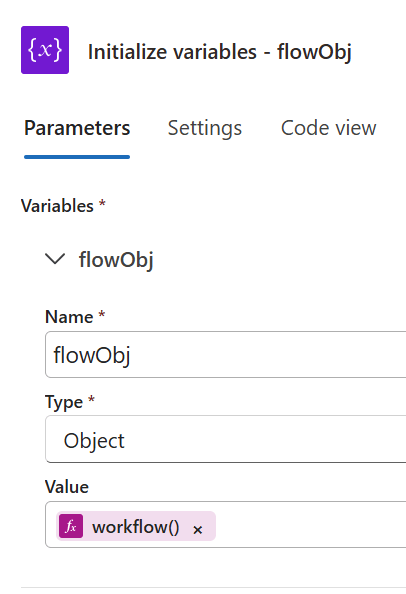
Now, as with the Power Automate example, create a flow variable of type “Object,” then assign its Value using the workflow() expression, returning “all the details about the workflow itself during run time.”
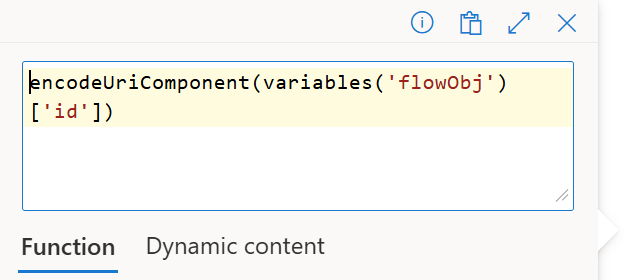
Several of the returned workflow() details are used to build the URL for the Azure Logic Apps flow run, but here, these values are also encoded:
- variables(‘flowObj’)[‘id’]
- variables(‘flowObj’)[‘location’]
- variables(‘flowObj’)[‘run’][‘id’]
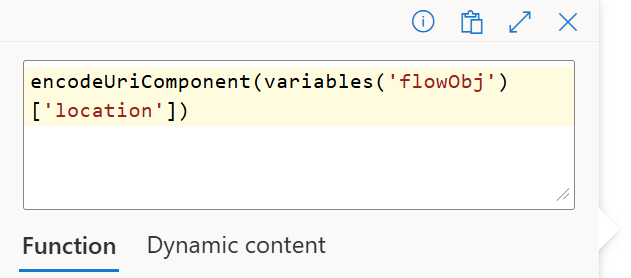
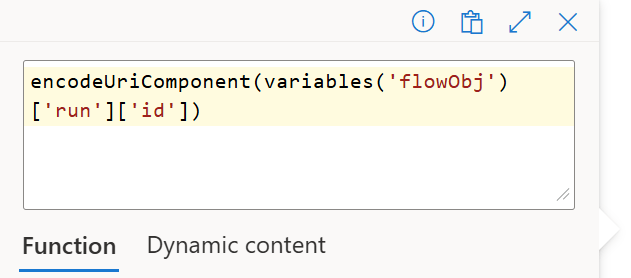
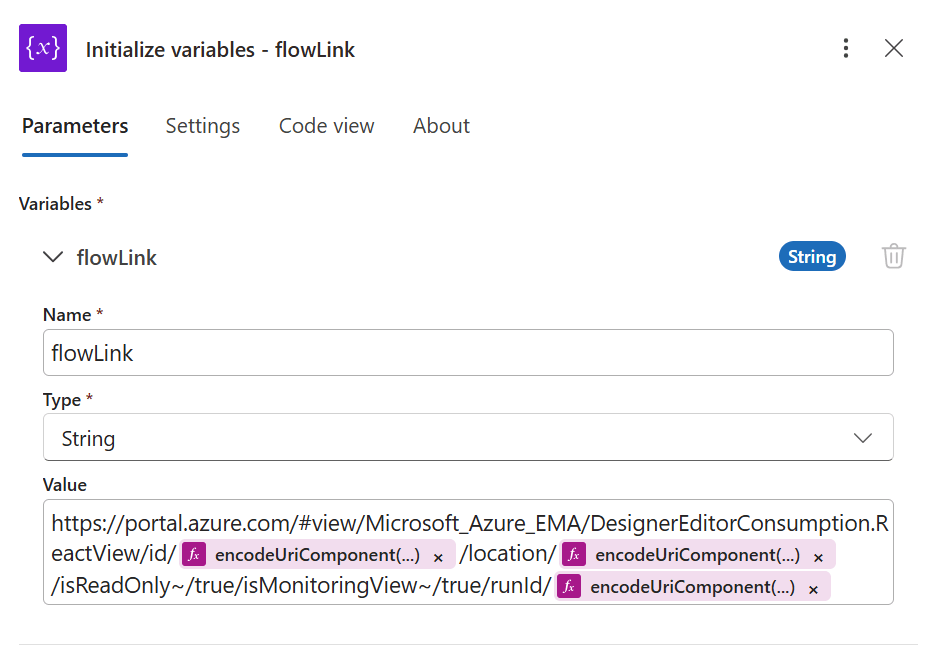
Plugging in the encoded values from above, id is the absolute identifier of the flow. This includes the path of the Azure subscription, name of the flow’s resource group and the flow’s name. The location is the region of the flow, which may differ from the subscription and resource group. Lastly, the runId is the instance of the flow run. Formatted as a URL structure, this dynamic link is written to Dataverse, logging flow runs for auditing:
Conclusion:
Azure Logic Apps and Power Automate are closely related. If it’s possible in Power Automate cloud flows, then it’s very likely possible, if not easier and more scalable, with Azure Logic Apps.
“Oppressed people, whatever their level of formal education, have the ability to understand and interpret the world around them, to see the world for what it is, and move to transform it.”
Ella Baker
#BlackLivesMatter

