The ask, help a maker scale their Power Apps solution. They created a canvas app some years back and being frugal, they chose SharePoint Online (SPO) lists as their app’s data source. Now, three years later, that frugal decision is haunting them as they’ve hit the 2,000-item delegable limit.
To rebuild their data source with something more scalable, they’ve now chosen Microsoft Dataverse. However, coming from a strong SharePoint background, they have a few Dataverse questions. Their first question, “How do we Enforce unique values in Dataverse like we would in SharePoint?”
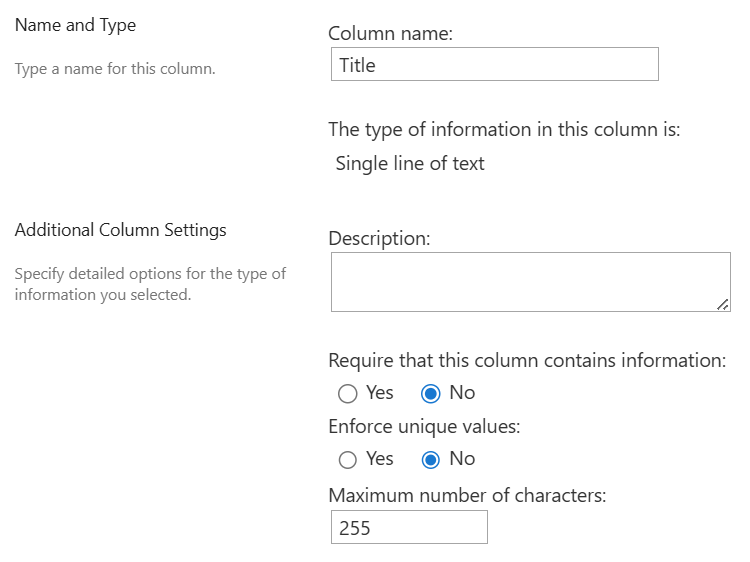
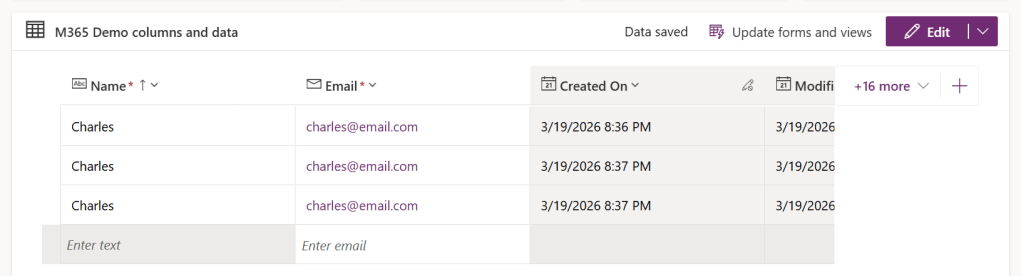
Fair question because when they created their Dataverse table and added their “Email” column, there wasn’t a setting to Enforce unique values. Consequently, there is nothing to prevent duplicate table records:
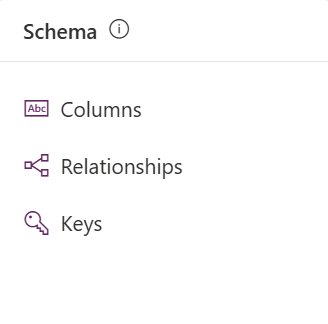
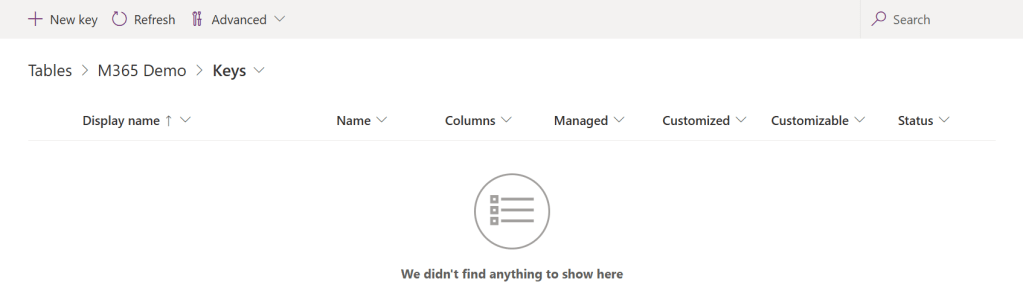
The solution? With the table open, from the “Schema” section, select and open the Keys screen. Because Dataverse is a relational database solution, the column just needs a relational key, which allows other tables to relate their data via lookups and joins:
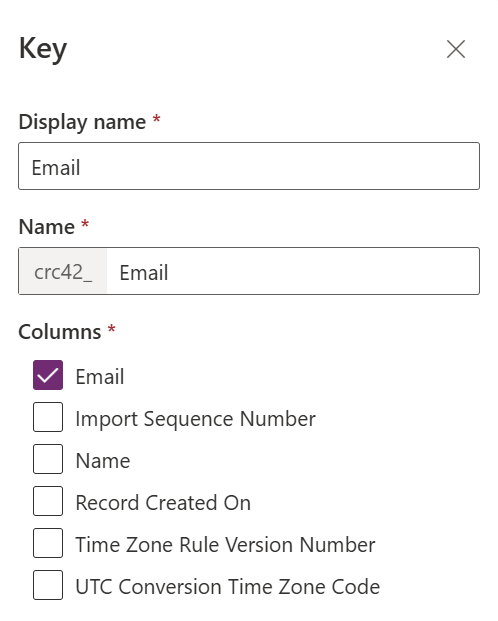
To create their first table key, the maker simply needs to select New key, along the top, and create a key for the “Email” column:
Two things to note: (1) Most tables won’t need more than a few keys, so don’t create more than necessary. (2) When naming the Key, it’s important to make their names intuitive, not confusing. For simplicity here, it’s okay to name the Key after the column:
Now, the newly created key needs time to take effect. If there is already existing table data, then this could take a few moments, and the maker will notice that the “Status” indicates Pending. Assuming there are no issues, it should change to Active after a refresh:

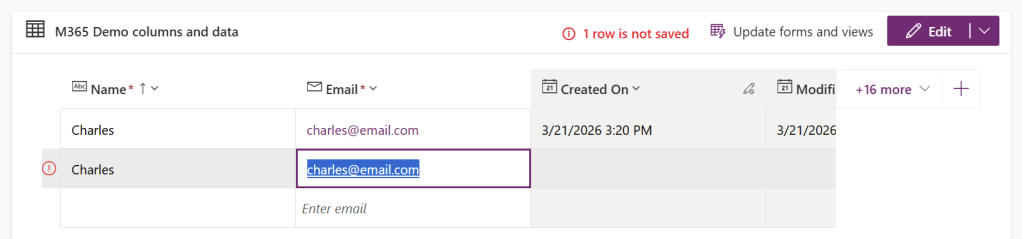
With the “Email” key Active, try entering a duplicate value. Dataverse will now block the submission and provide the message that, “1 row is not saved”:
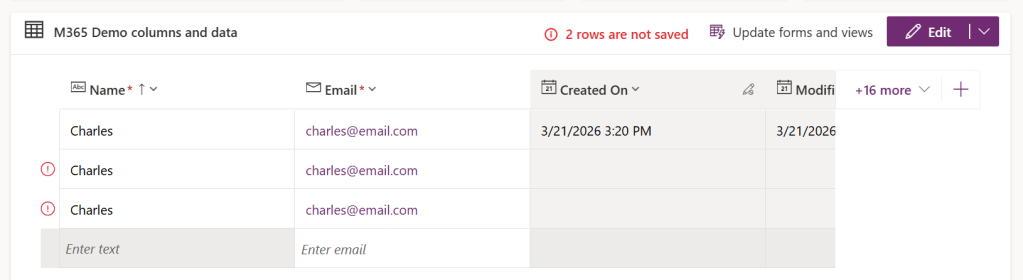
Even if someone tries to enter another duplicate value, ignoring the prior message, Dataverse simply blocks both records:
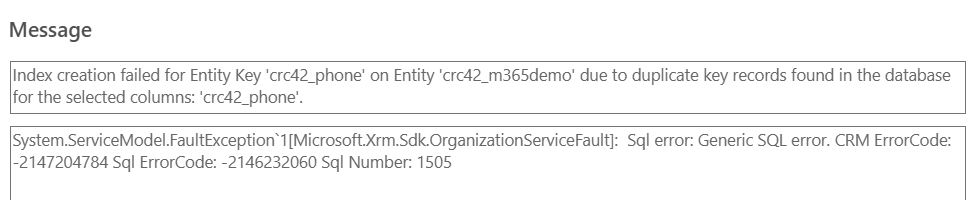
But what if the data table already has duplicate records? Well, if there are existing duplicates, then the key can’t be Active. It will instead indicate an error and Dataverse will notify the maker that duplicates exist, which must be resolved before the key can be activated:
Conclusion:
Recreating SharePoint Online lists as Dataverse data tables is pretty straightforward, but configuration differs a bit. To Enforce unique values, Dataverse depends on table Keys. When possible, create the Keys during the table creation process. Otherwise, there’s a chance the table will have duplicate records, which would block the key from activating, until the duplicates are removed.
“Truth is on the side of the oppressed today, it’s against the oppressor.”
Malcolm X
#BlackLivesMatter
 console.log('Charles');