The ask, propose a reimagined folder restructure for a group migrating to SharePoint Online (SPO) later this year. Pushing back a bit and flipping the ask, why not simply do away with folders? Especially considering Knowledge Agents, agents built in SharePoint, will soon be able to reason over metadata.
Microsoft has actually encouraged flatter SharePoint for some years now. Though, maybe only a few orgs have embraced, let alone entertained, the idea of “folder-less” SharePoint.
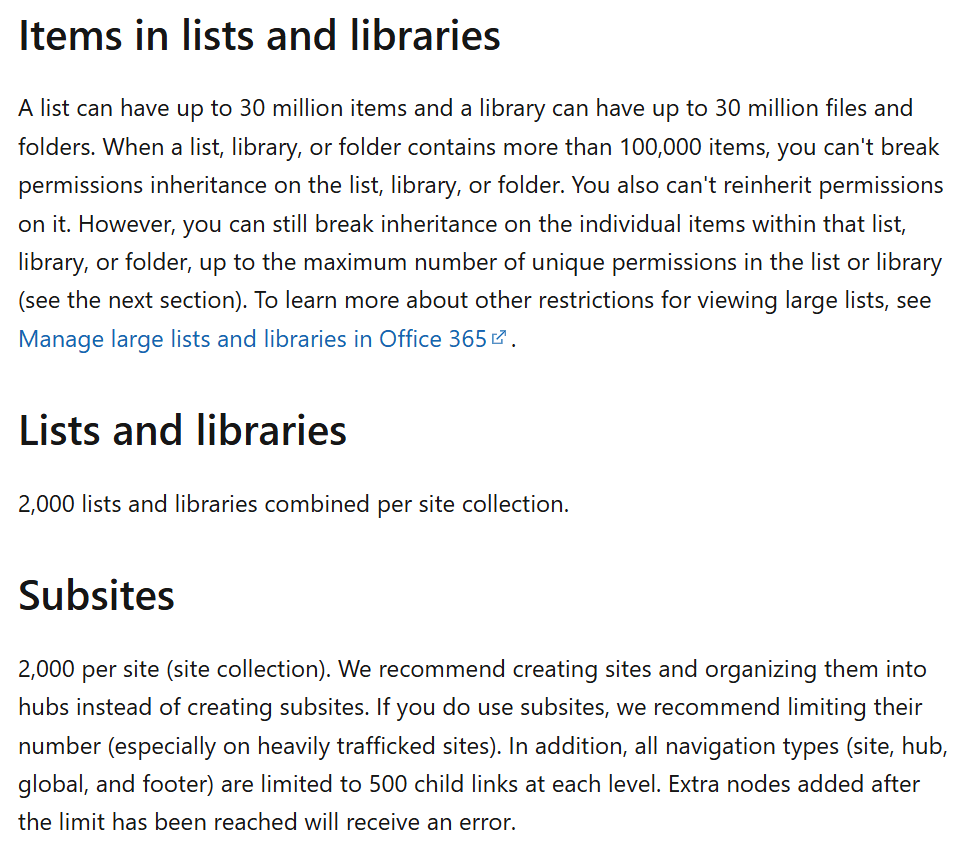
It was harder to suggest before, but now, the SharePoint limits of Microsoft 365 make it easier to design, implement, and adopt “folder-less.” Each site could have up to 2,000 lists and libraries, and each library could have up to 30 million items.
With that in mind, higher-level directories could be their own site collections with several of their root folders created as their own document libraries, with the site collections linked via a SharePoint hub site.
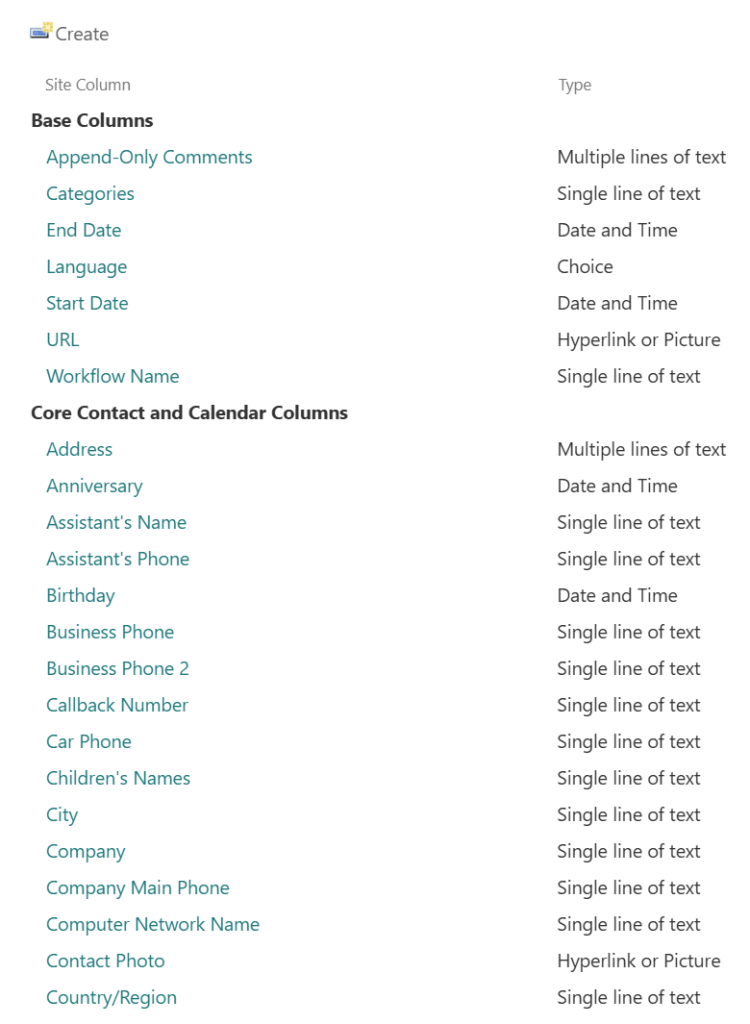
Now, with this team’s content to be migrated reimagined into several site collections and maybe a few handfuls of document libraries, custom site columns could be created per site collection. Or the team could take advantage of the many columns already made available by Microsoft to implement a metadata-centric file structure.
Single line of text is likely going to be the team’s go-to column type, but for properly reimagining their data, they are encouraged to take advantage of Choice columns where possible, minimizing free-text entry and reducing the likelihood of user-error. Alternatively, Lookup columns could be used if the data needs to be a bit more dynamic and managed by the team.
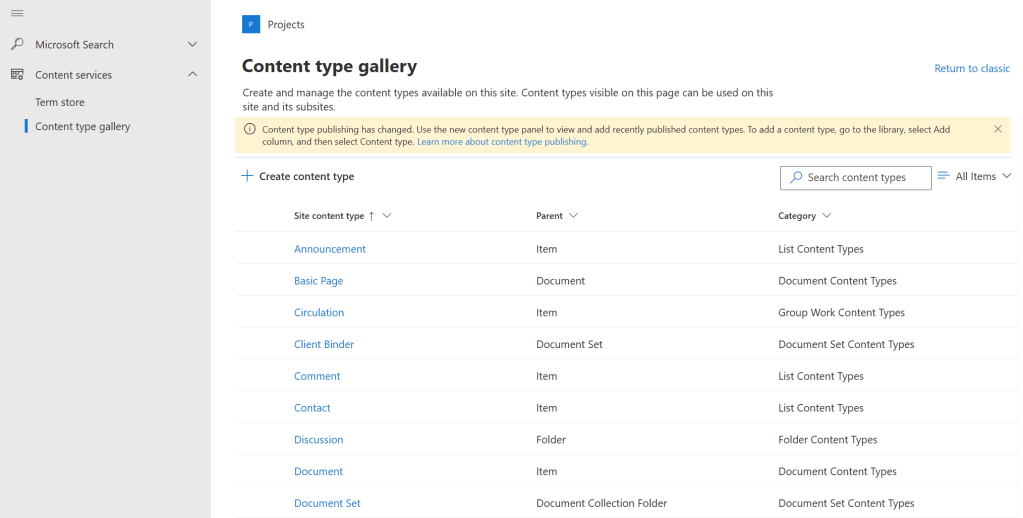
Finally, with the metadata columns prepared, this team can now define their content types to-be. When team members upload files, what kind of metadata should be applied? What kind of file is this metadata describing? What kind of views need to be created for each document library? With at least those questions answered, the team can start preparing for a “folder-less” SharePoint and unlocking the many benefits of a modern architecture.
Conclusion:
Here, “folder-less” SharePoint is suggested because they aren’t yet in the cloud and this becomes an opportunity to reimagine their legacy folder structure. At the same time, they can better prepare themselves to adopt Knowledge Agents post-migration because metadata empowers Copilot. Additionally, with a flat architecture, leadership can better gleam insights across libraries using Power BI and business users can easily scale their workflows leveraging Power Automate, and not worry about nested folder paths changing because someone renamed a parent directory.
“We are way more powerful when we turn to each other and not on each other, when we celebrate our diversity… and together tear down the mighty walls of injustice.”
Cynthia McKinney
#BlackLivesMatter
 console.log('Charles');