The ask, address a Power Automate cloud flow that needlessly continues to run even when there’s no data to process. This particular flow is an Automated cloud flow, and it runs daily, emailing a dynamic list of people a digest report of SharePoint Online list items created the day prior.
The flow is triggered, then a Get Items action returns an array of recently created items. Afterwards, the flow returns an array of email recipients and formats the digest email before sending a personalized email to each person. Relatively straight-forward automation, but if no newly created items are returned, does the flow care to query the digest recipients or format their emails? It doesn’t.
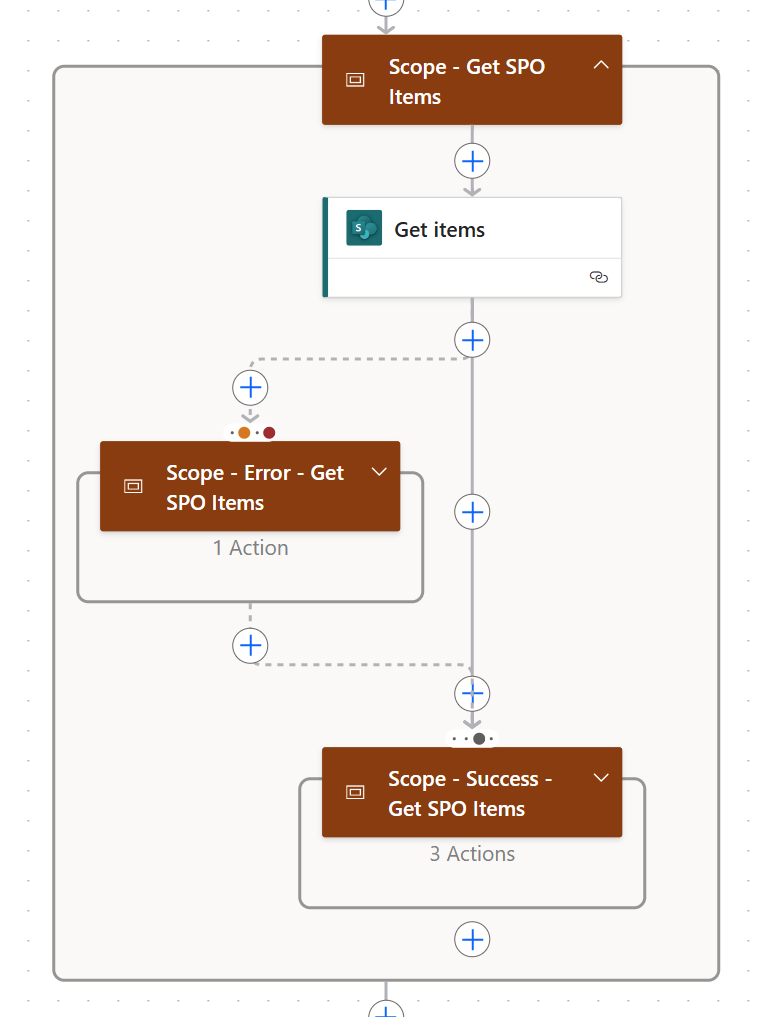
So, how can the maker stop their flow if no recently created items are returned? Well, they could use the Terminate action, which offers several “Status” options, visible in the flow’s run history, indicating whether the flow was successful or not:
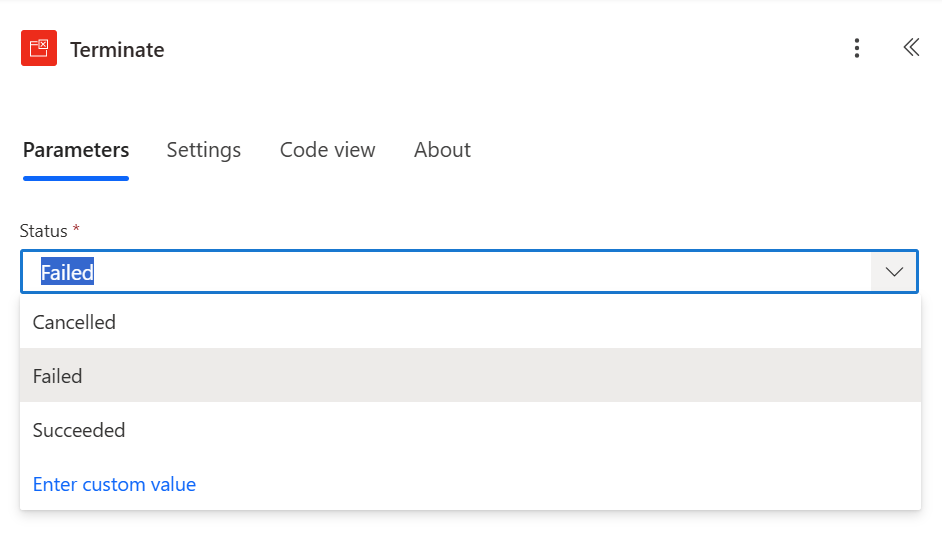
Now, if the Get items action throws an error, which would be a problem, then a Terminate action could be added with a status of “Failed”, terminating the flow because no items were returned:

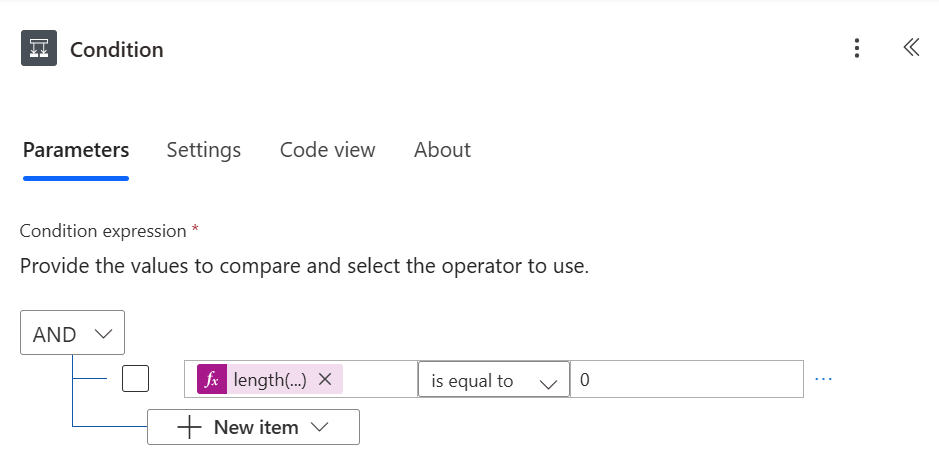
Otherwise, the Get items action is successful. However, again, what if there are no recently created items returned? Well, to check, use the length() function and count the number of returned array items:

If the returned array is empty, length of zero, then the flow doesn’t need to proceed. Though, because there were no errors, the maker shouldn’t Terminate the flow with a status of “Failed.” Rather, they should specify “Cancelled”:

Conclusion:
Even for cloud flows that aren’t expected to fail, it is good practice to terminate them if there are no necessary actions left to perform. This helps save Azure resources as every action requires an API call and helps the flow generally be more efficient.
“The way to right wrongs is to turn the light of truth upon them.”
Ida B. Wells
#BlackLivesMatter
 console.log('Charles');