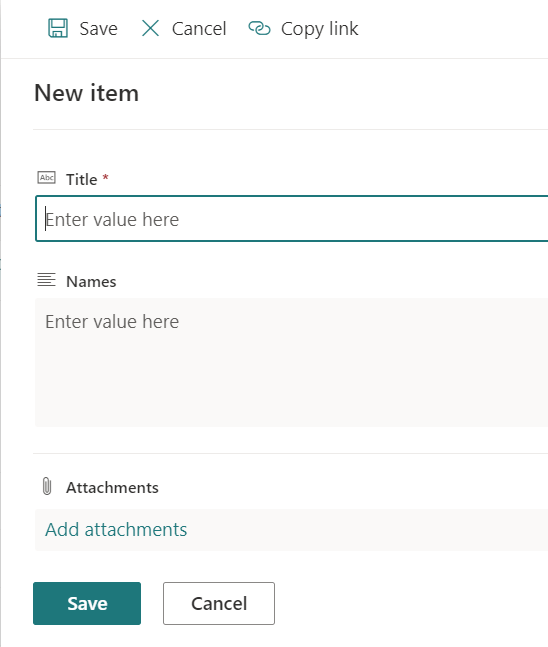
So yeah, this won’t work for everyone, but it was a creative delegation workaround for me. In my scenario, I used several SharePoint Online (SPO) lists as data sources and needed to filter on a multi-line column of employee Names, separated by a semi-colon:
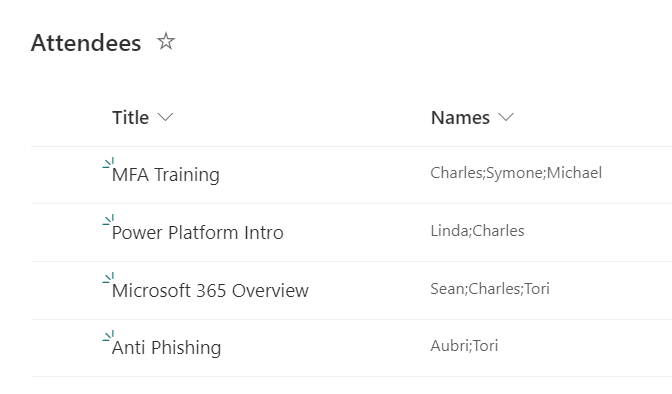
This example SPO list tracks upcoming events and once registered, attendees have their first names concatenated as a long string:
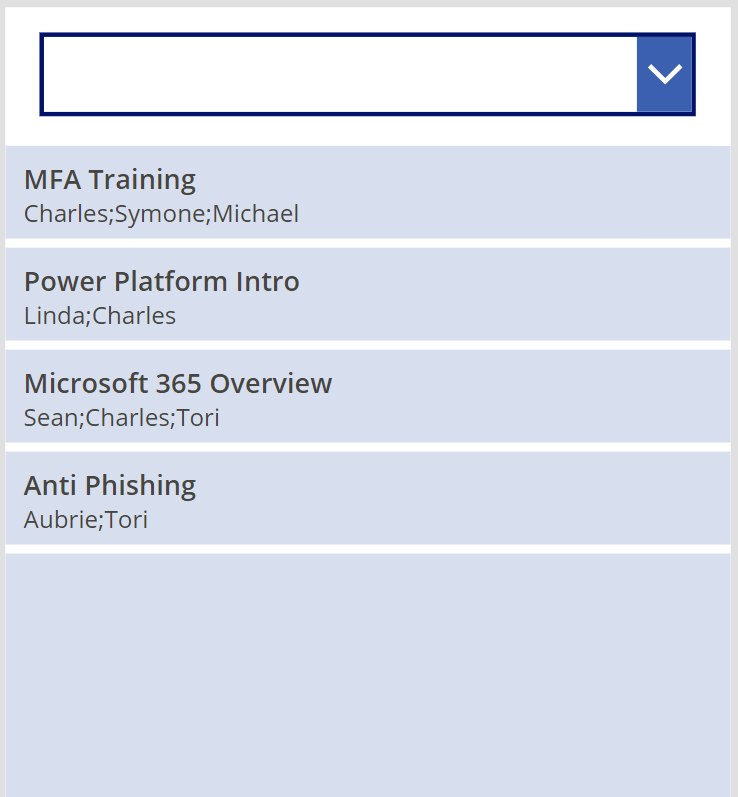
Now, the canvas app needs to filter the list of events using a registered attendee’s name, so I’ll insert a dropdown control, hardcode a few dropdown choices, then connect my SPO list to a vertical gallery control:

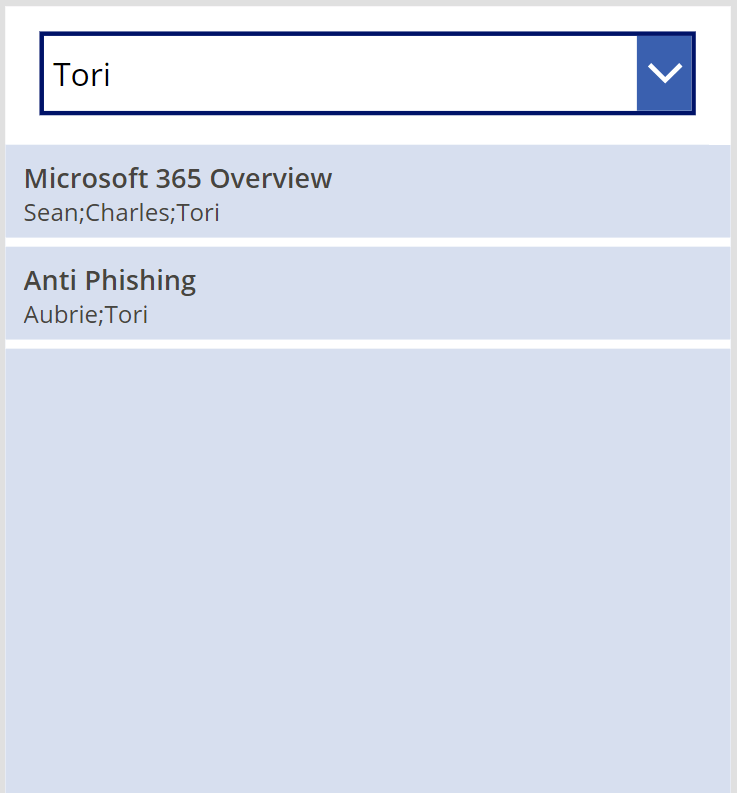
Summarizing the Items data source logic of the vertical gallery, the Power Fx snippet filters the source data, Attendees, using the Filter() function and dynamically creates a new column called “SearchForNameFound”. Using the LookUp() function, check if the dropdown value, ddlFilterOnNames, is found in the dynamic array of names. If yes, then the length of the returned value is greater than 0, so set the new column’s value to TRUE. Otherwise, set the value to FALSE. Finally, only return records with a “SearchForNameFound” value of TRUE:
Filter(
    AddColumns(
        Attendees,
        "SearchForNameFound",
            Not(
                Len(
                    LookUp(
                        Split(Names, ";"),
                        Value = ddlFilterOnNames.SelectedText.Value
                    ).Value
                ) = 0
            )
    ),
    SearchForNameFound = true ||
    If(IsBlank(ddlFilterOnNames.SelectedText.Value),
        true,
        false
    )
)

Conclusion:
Again, this likely won’t work for all multiple line column delegation warnings. Still, with a bit of creativity I was able to sidestep this delegation warning message.
“Slavery is a kind of social leprosy: it has often been abolished by legislators and restored by education under various aspects.”
Luís Gama
#BlackLivesMatter
 console.log('Charles');