Modulus (or modulo) is another of the math expression available in Power Automate. Similar to the add(), sub(), mul(), and div() expressions, mod() accepts two parameters, but instead only returns whole numbers, so no decimals. Likely an over-simplified explanation, but in computing, modulo is essentially the calculated remainder of a division calculation.

Again, mod() only accepts two parameters. The dividend is number to be divided and the divisor is the number doing the dividing. Because the remainder is always going to be a whole number, use an Integer variable to store the calculated result:


One use-case for using mod() is determining whether a number is even or odd. Using “2” as a divisor, the modulus Value is “1” if the dividend is odd:
mod(23, 2)
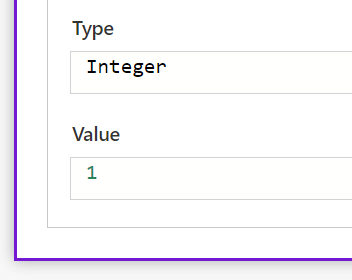
When the calculated Value is “0”, the dividend is even:
mod(64, 2)

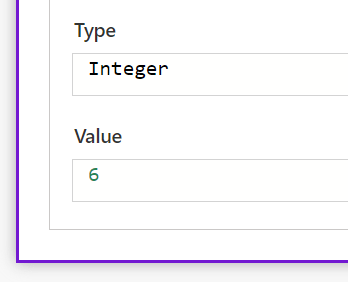
Another use-case, calculating the minimum number of batches necessary to execute some work processes:
mod(12345, 9)
Conclusion:
By itself, mod() isn’t much. Calculating the remainder of a dividend and divisor isn’t flashy. Though, when a part of a larger solution, it becomes indispensable. Imagine an ATM. Someone needs to withdraw $250 and would like a mix of bills. Someone could use the mod() and div() expressions to determine how many $20s, $10s, and $5 bills the machine should dispense.
“Now I’ve been free, I know what a dreadful condition slavery is. I have seen hundreds of escaped slaves, but I never saw one who was willing to go back and be a slave.”
Harriet Tubman.
#BlackLivesMatter
 console.log('Charles');