SharePoint Online lists are flexible as Power Apps canvas app data sources. Not quite as popular as SQL, but app makers can use SPO lists like database tables. One major perk of leveraging SPO lists, they’re created ready to handle item attachments without makers needing to configure Azure BLOB storage.
Still, there is a permission gotcha when setting up app users. For most common app use-cases, users should only have Add permissions, not Edit and not Delete:
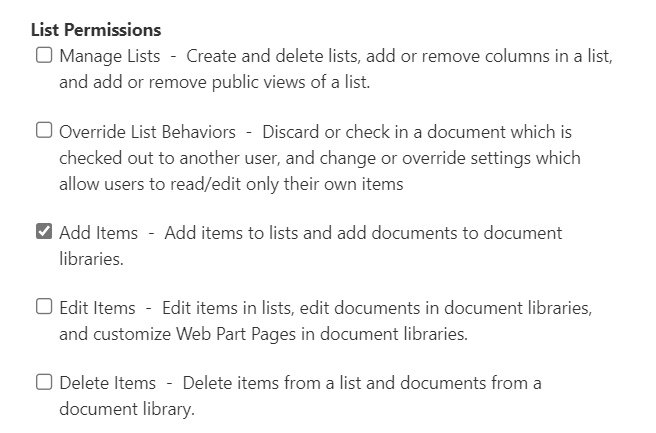
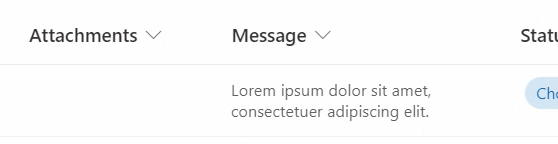
But not so of surprisingly, SPO handles items with attachments in two phases. Firstly, SPO creates the list item with all of its field values. Once the item is created, then SPO uploads the attachments to the recently created item. However, with only Add Items, uploading the attachments fails because SPO is trying to now Edit the list item, but it can’t:
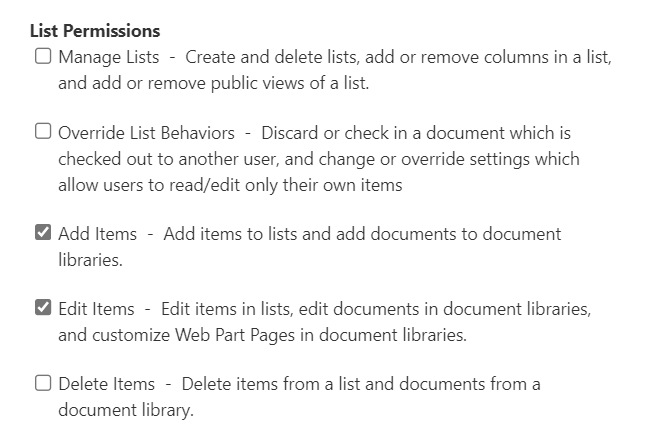
To correct this and properly upload list attachments, the app user will also need Edit Items on the List Permissions:
And after trying again, with the correct permissions applied, success!

Conclusion:
Add Items is perfectly acceptable if there are no attachments, but if there are attachments, then app users need Edit Items, too. SharePoint Online creates the list item first, then edits the item when the attachments are uploaded.
“I’m not concerned with your liking or disliking me … all I ask is that you respect me as a human being.”
Jackie Robinson
#BlackLivesMatter
 console.log('Charles');