Power Apps come in two flavors. To begin, there are model-driven apps, which are built on the Microsoft Dataverse and are more data-focused. These model-driven apps are not meant to be pretty. However, canvas apps are customizable and can be pretty, so they’re more UI/UX-focused. Contrasting the two approaches, makers should build canvas apps if they want to control the entire app experience.
Even so, before makers get too far along building their canvas apps, there are some best practices and development tips to consider…
One important tip, even highly, highly recommended by April Dunnam, always change the canvas app defaults! Every app control comes with default values for font, text size, color, fill, etc. These generic values aren’t bad, but the app isn’t very attractive.
Again, canvas apps are customizable. Take the opportunity to create unique app experiences.
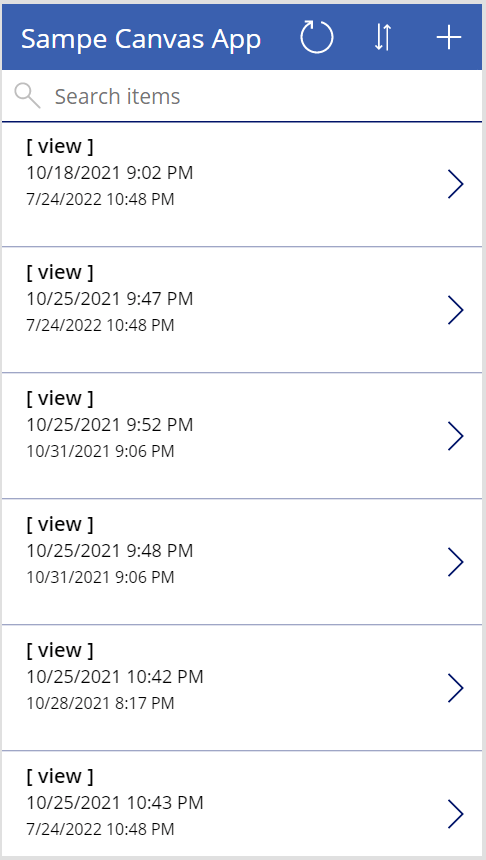
Even changing the color of a shape, toggling the label fonts, and swapping the icon goes a long way:

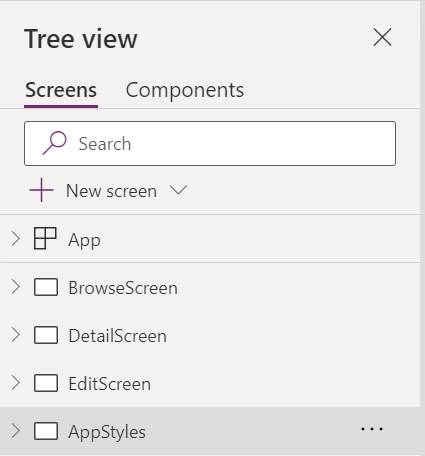
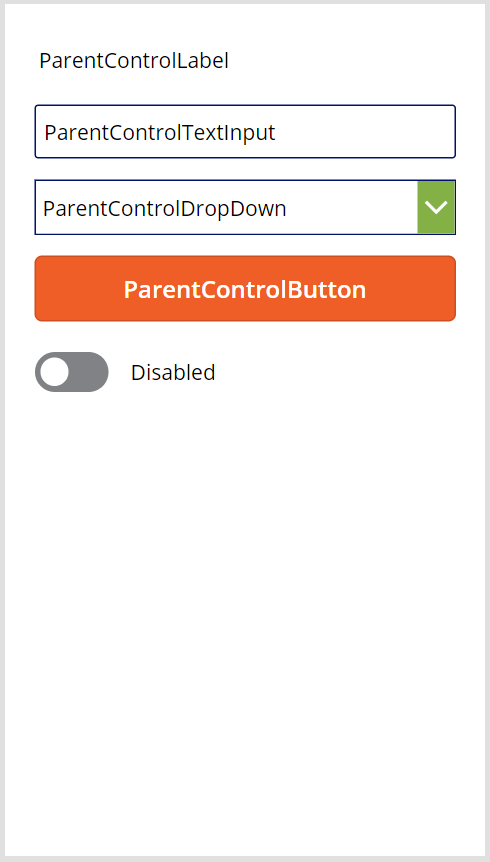
Moving onto an app development tip, create a hidden screen or two with branded app controls like text boxes, dropdowns, icons, etc. There are three ways to style canvas apps and the hidden screen approach acts as an app styling guide, which lets makers more easily brand their apps and quickly make changes on the fly.
Borrowing a pro developer best practice, add comments! Especially on properties like OnSelect where the logic is often more complex. Use the double-slash to comment and document what is happening because others may need this for ongoing support:

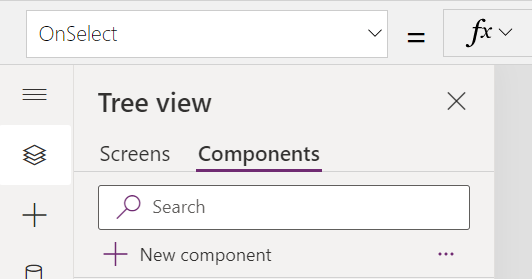
These might be tricky to implement, but where feasible, create and use components for app consistency. Components are reusable blocks of app logic that can be shared between canvas apps and Power Platform environments, which include, but aren’t limited to custom menus and custom functions:
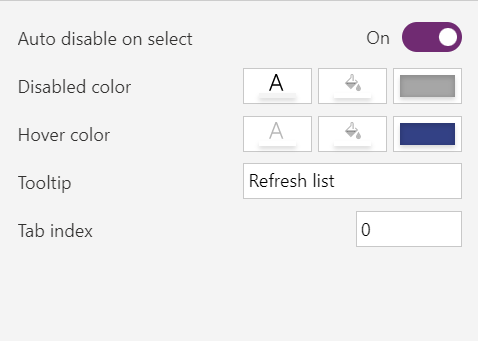
Next, these should be required, but they’re not. App makers should add tooltips to their controls, which are useful for providing guidance whenever users hover over controls, like icons and images:
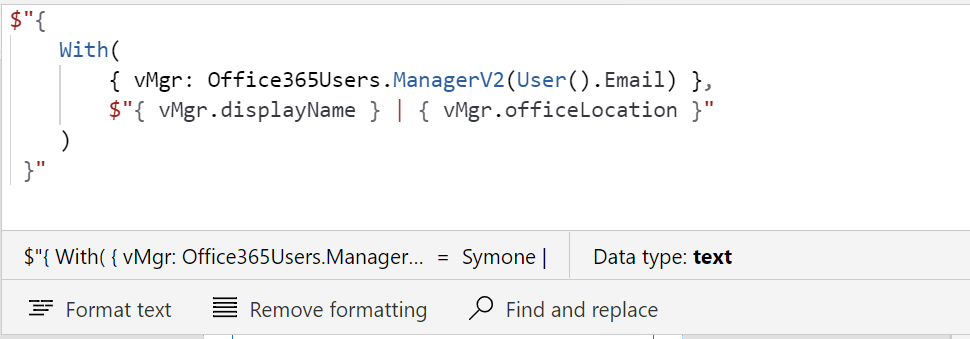
General FYI, Power Fx is the programming language of Power Apps canvas apps. And as the programming language of the Power Platform, Microsoft has bundled dozens of functions into the solution. Makers should familiarize themselves with some of the more common functions, but one standout expression is With(). This is extremely helpful when makers need to create temporary variables for more complex logic:
Another tip for makers, duplicate app screens before making big changes and test changes there. That way, if the changes don’t go as planned, then just delete copy. No harm, no foul:

One last tip! Build and create canvas apps with proper application lifecycle management in mind. In short, mirror a traditional app development approach of building in DEV (/ TEST) and deploying to QA (/ UAT) for stakeholder approval, before finally deploying to PROD for the larger audience.
To adopt the app lifecycle approach, makers should nest their apps inside of a solution, then create variables and connection references for easy packaging. These solution variables can be environment specific and move along with the canvas app as it is deployed from environment to environment to environment:

Conclusion:
Canvas apps are still maturing, so the guidance around them is still maturing. Still, several of these are tips and best practices for all makers to consider, which will likely still be applicable going forward…
“Power concedes nothing without a demand. It never did and it never will.”
Frederick Douglass
#BlackLivesMatter
 console.log('Charles');