Power Automate is a no-code (/ low-code) workflow automation solution. Because the service isn’t “high-code”, developers can’t create flows with traditional try-catch-finally blocks for robust error handling. But flows could be designed with “error mitigation” in mind. Otherwise, these flows will fail without recovery.
To mitigate some anticipated issues, makers can use Power Automate expressions with the Condition control and verify data integrity before executing certain actions:
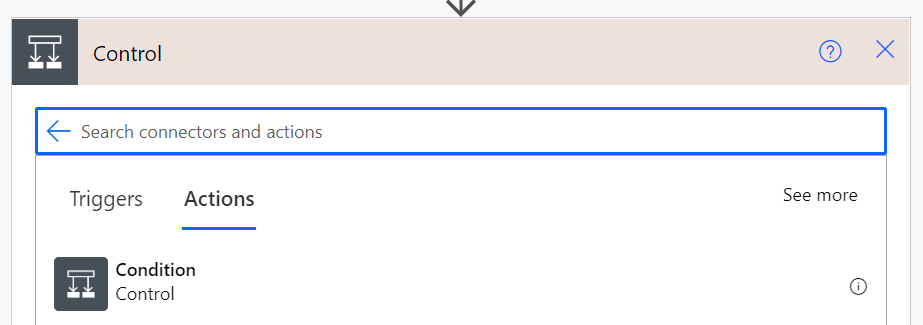
Likely one of the most common errors, trying to reference missing properties of an object. To avoid this, use the contains() expression and confirm whether or not the property exists first:
contains(variables('vObj'), 'Name')
Another common error, trying to use a flow variable value in an action, but not confirming whether the value is empty() or not:
empty(variables('vString'))
Not as common as the others, but still a problem, makers can check the length() of a value before using it. Is the string enough characters? How many items are in the collection? If there is doubt, then check:
length(variables('vArray'))
With error mitigation in mind, these expressions are built for conditional logic. The contains() and empty() expressions both return Boolean values, but length() returns an integer. Depending on the flow logic, there are several conditional operators available to create the Condition control’s conditional statement:

Conclusion:
Power Automate is still evolving. Microsoft may introduce “try-catch” blocks at some point, but until then, flows can be designed and built with error mitigation considerations.
“There were many ways to be alienated from someone, few to actually belong.”
Brit Bennett
#BlackLivesMatter
 console.log('Charles');