Power App canvas app makers often need to build menus for their apps. To create a hover menu, without using a component, just add the necessary menu controls, then select and group them. Grouped elements have properties similar to every other screen control:


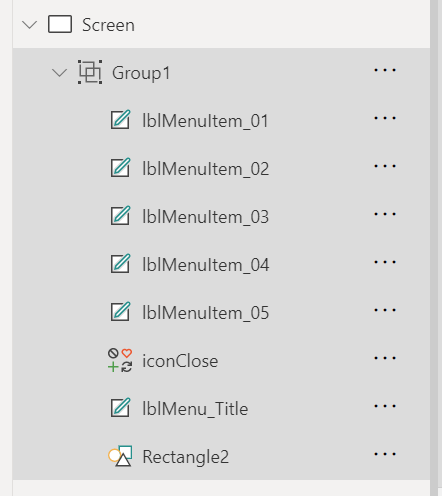
As mentioned, grouped controls also have control properties. And one of the available properties is Visible. It accepts a Boolean value, so hiding or showing the hover menu is as simple as assigning a variable to the property, then toggling the value of said variable with a button OnSelect action:

Conclusion:
Simple canvas app menus can be created with grouped controls. Once grouped, hide or show the menu using the group’s Visible property.
“Human dignity is more precious than prestige.”
Claude McKay
#BlackLivesMatter
 console.log('Charles');