The Power Platform prides itself on being low-code. While accurate, each solution requires different levels of coding. Power Automate, the low-code workflow creator, empowers developers to use variables when coding their business automations…
Among the available variable types, array is a common data structure in many programming languages. For the uninitiated, arrays are essentially collections of elements. These elements could be strings, numbers, or even more arrays. To populate a collection, elements are typically added one-at-a-time, but sometimes, arrays are created from segmented strings. Crafting an example, split() the alphabet and use the spaces as the delimiter:
split(
   'a b c d e f g h i j k l m n o p q r s t u v w x y z',
   ' '
)
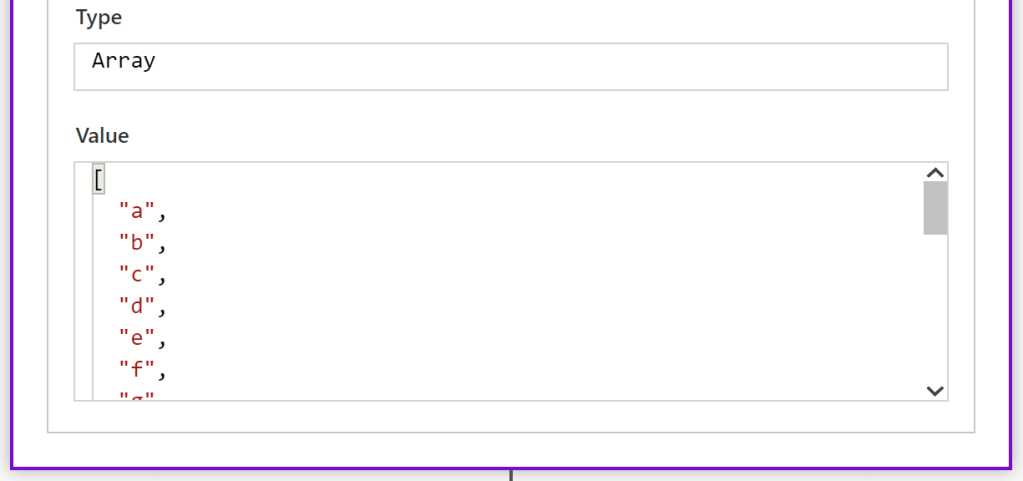
Delimiters specify the bounds between elements in which to break the string. Once created, the length() of a collection counts the total number of elements:
length(variables('arr'))
Result > 26
With the length of the collection in mind, there are a few ways to fetch specific elements. To get the first() element, there is an easy to remember function available:
first(
   variables('arr')
)
Result > a
Likewise, there is a function to get the last() element of a collection:
last(
   variables('arr')
)
Result > z
But to get an element somewhere in the middle, it is important to note that arrays are 0-based. What does this mean? The first element is at position 0, not position 1. The last element of this collection is at position 25, not position 26:
variables('arr')[5]
Result > f
Furthermore, there are instances where it is necessary to check if a collection contains() an element. These True/False results are useful for conditional logic:
contains(
   variables('arr'),
   '3'
)
Result > False
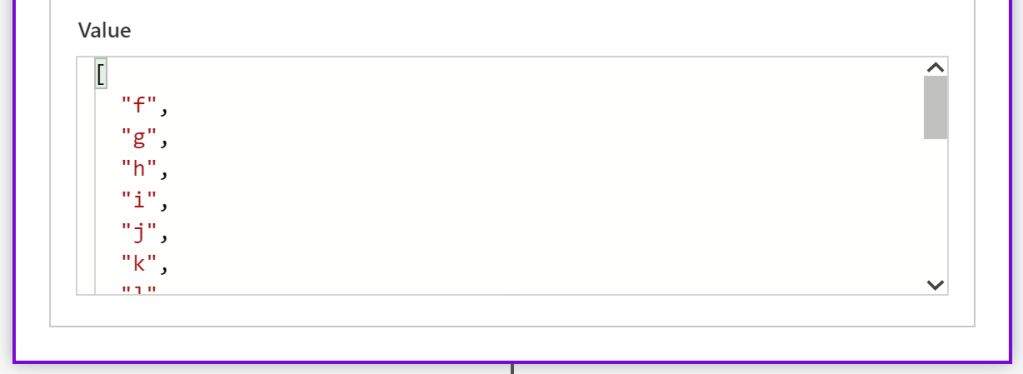
For those needing to tweak the collection a bit, arrays can be pruned as needed. Scenario #1, the business logic only requires the first x number of elements. Okay, take() the first x elements:
take(
  variables('arr'),
  5
)

Scenario #2, the business logic doesn’t need the first x elements. Solution? Just skip() them:
skip(
  variables('arr'),
  5
)
Bonus:
Functions can be nested/ combined.
last(
   take(
      skip(
        variables('arr'),
        10
      ),
    5
  )
)
Result > 0
Concluding the array story arc, the opposite of a split() is a join(). Specify how the elements should be concatenated into a string using another delimiter:
join(
  variables('arr'),
  '|'
)

Conclusion:
Power Automate is low-code, but that isn’t a pass to not learn some general coding concepts…
“We have to be that wedge that drives the question and asks the hard questions.“
Danny Glover
#BlackLivesMatter
 console.log('Charles');