The gift giving season is here. Keeping with the festivities, many organizations are hosting virtual raffles. There are plenty of online name randomizers available, but building and personalizing a Power App is also an option…
The raffle names can pull from almost any data source, or sources, but for testing, these names are manually entered into a collection object:
ClearCollect(listOfNames,
    { Value: "Person #01" },
    { Value: "Person #02" },
    { Value: "Person #03" },
    ...
    { Value: "Person #10" }
);
On start, the app loops through the raffle names and builds a temp name collection. Each name is assigned the same Order value to preserve their original ordering:
ClearCollect(tempOfNames, {});
ForAll(listOfNames,
    Collect(tempOfNames,
        {
            Value: Value,
            Order: 0
        }
    )
);
To list the raffle names, bind the sorted collection to a blank vertical gallery. Use the Order column for sorting and add a couple of labels to the gallery:
SortByColumns(
    tempOfNames,
    "Order",
    Ascending
)
As expected, the names are listed in their original order. Next, add a button to the canvas for shuffling:
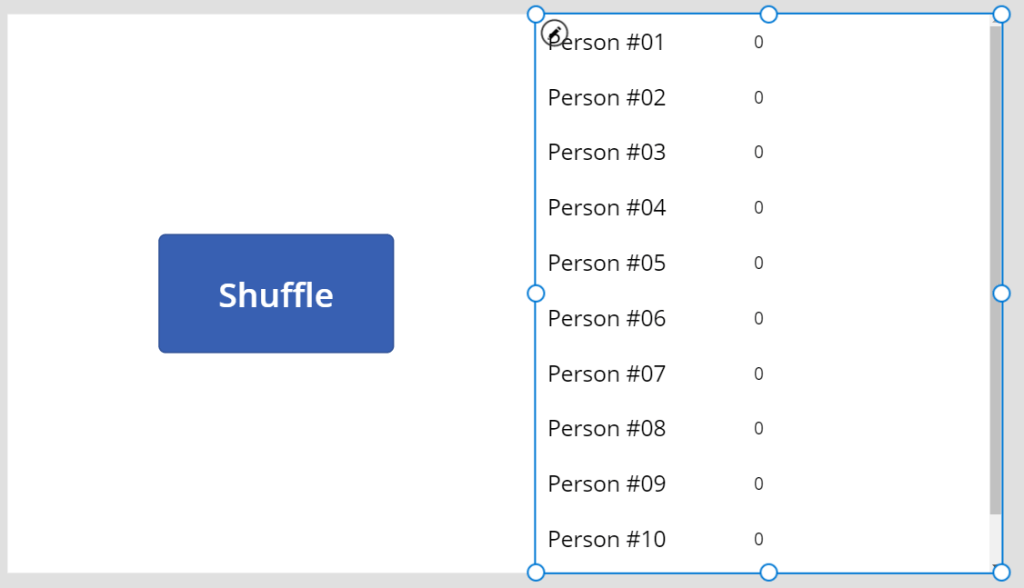
Bear in mind, there is a Shuffle() function available in Power Apps. Even so, Rand() was more appealing today.
Moving onto the button’s OnSelect() action, clear the temp collection, then re-add the raffle names and assign each with a random decimal, between 0 and 1, as their Order value:
ClearCollect(tempOfNames, {});
ForAll(listOfNames,
    Collect(tempOfNames,
        {
            Value: Value,
            Order: Rand()
        }
    )
);
Now, the app is randomizing the names with each button click:
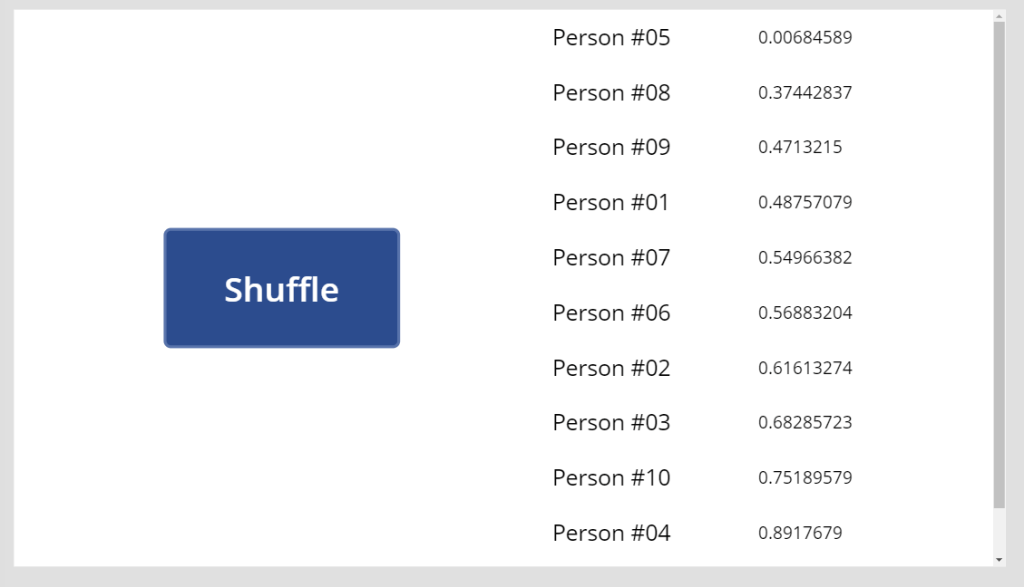
However, actual raffles only pull one name per shuffle. Use the First() function and select a single raffle winner:
First(
    SortByColumns(
        tempOfNames,
        "Order",
        Ascending
    )
)
Finally, style the app a bit and publish:
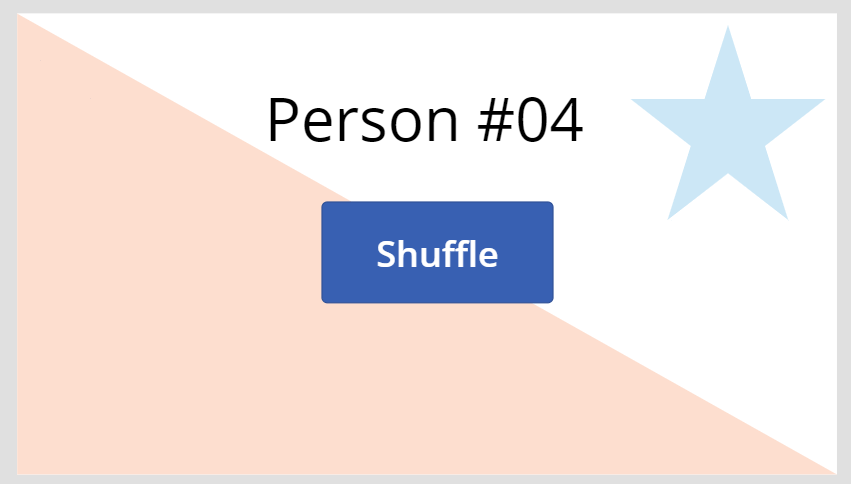
Conclusion:
Power Apps can be fun one-offs. But even simple apps could use a number of functions…
“The Supreme Court kept me from my freedom.”
Dred Scott
#BlackLivesMatter
 console.log('Charles');