Metadata is baked into SharePoint. Even so, many people use SharePoint just for document storage and never explore metadata. But without metadata, SharePoint isn’t living up to its full potential.
What is metadata? Why is metadata important? For simplicity, think of metadata as “document tagging”/ “document categorization”. With the documents tagged, search gets leveled up. Also, documents can be better organized using more sort, filter, and group options.
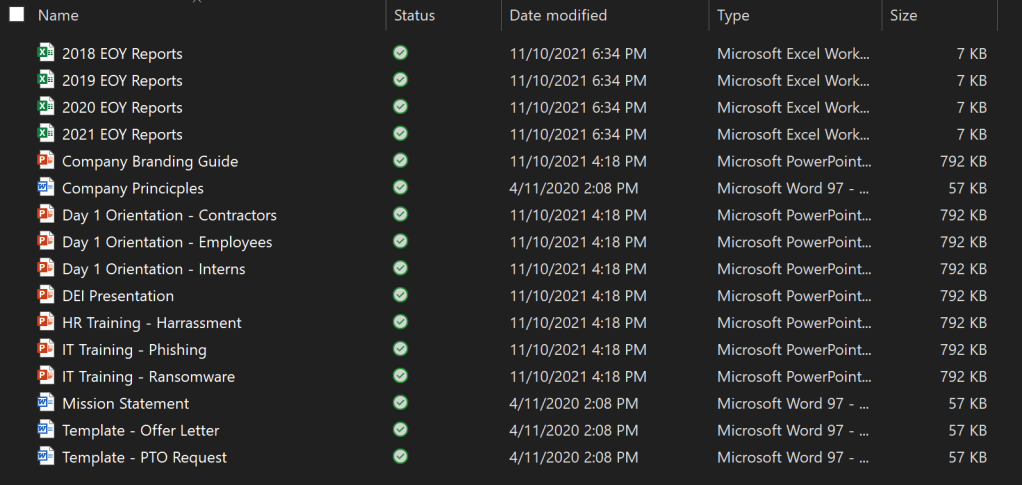
Without intentional metadata, document properties are generic:
- Name,
- Date modified,
- Type,
- Size.
Though, among these properties, search is largely limited to the Name column. Otherwise, all properties are usable for sorting, filtering, and grouping:
With metadata, more becomes possible. One such thing, surfacing important bits of information from within documents. This information is listed alongside the document and end-users don’t have to open each file:
- Number columns could list invoice totals,
- Date and time columns could sort contracts by due dates,
- Yes/No columns could filter processed purchase orders,
- Person columns could group reimbursement requests by approvers,
- etc.

Otherwise, documents are typically uploaded with very, very long file names. Or moved between deeply nested folder paths to indicate status, dates, etc.
NOTE: Multiple lines of text columns cannot be sorted, filtered, or grouped.
- SORTING
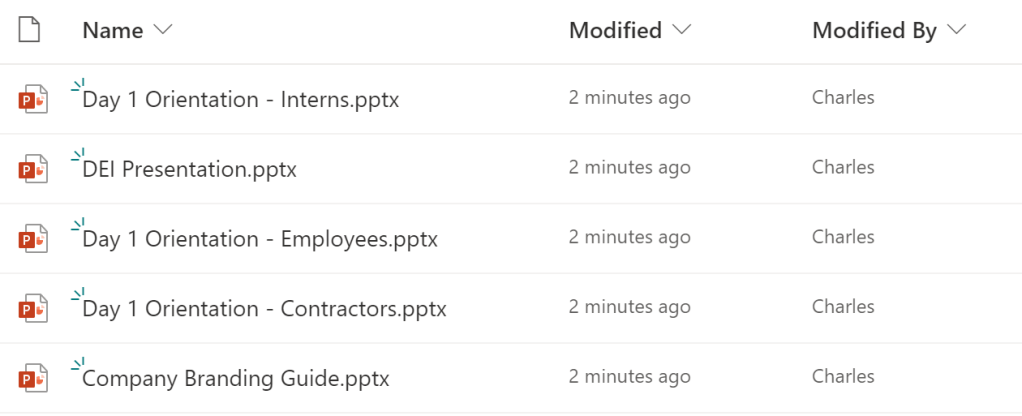
Mirroring the File Explorer view, every library has properties for document name, modified date, file size, file type, etc. Bringing more to the table, SharePoint introduces properties for document version number, document ID, sensitivity labels, retention labels, etc. Using these properties, library views can sort documents in more creative ways:

- FILTERING
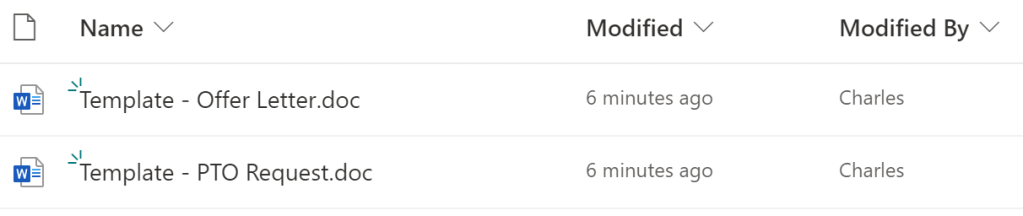
Filtering easily becomes more powerful with intentional metadata. Document libraries can have many, many views and each view can have different filter combinations. Toggling between views, end-users can review their pending contracts, process their vendor invoices, or complete their orientation training because views can be filtering using conditions:
- is equal to
- is greater than
- begins with
- contains
- etc.


- GROUPING
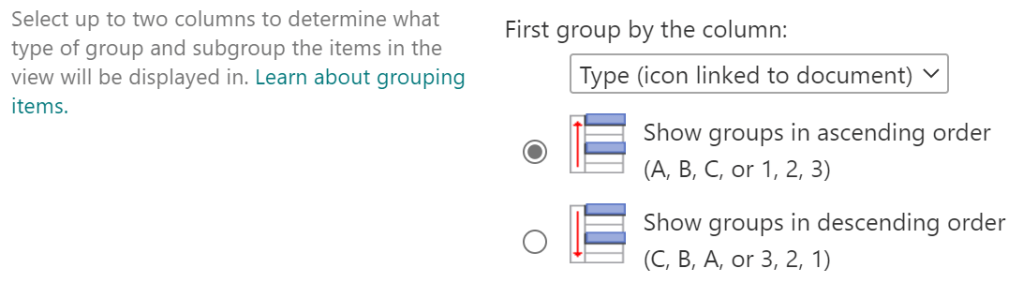
Grouped documents are either collapsed or expanded, but can also be sorted. And as a bonus, each document group includes a total document count:


Conclusion:
Considering what is possible using generic document properties/ tags, why not create metadata designed specifically for business scenarios?
“None of us can change our yesterdays but all of us can change our tomorrows.”
Colin Powell
#BlackLivesMatter
 console.log('Charles');