Meeting recordings in Microsoft Teams are owned by whomever initiates the recording; usually the meeting organizer. However, Microsoft recently introduced an auto-record feature for scheduled meetings…
To enable auto-record, open the Meeting options as the meeting organizer:
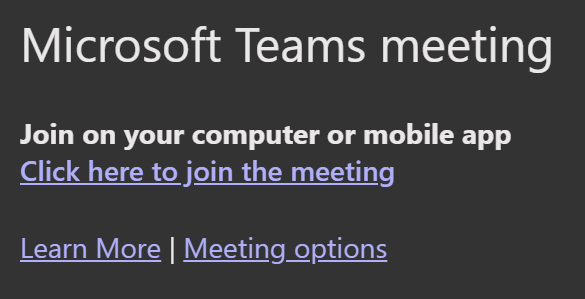
Within the meeting options, Record automatically is a Yes/No toggle. With this enabled, the recording can start when the organizer joins the meeting. But what if an attendee joins the meeting before the organizer? Well, they would initiate the recording and now “own” the meeting recording… Yet to prevent this, also enable the meeting lobby. With the meeting lobby enabled for everyone, attendees cannot join the meeting before the organizer. The organizer can then permit attendees into the meeting…

Conclusion:
If the meeting has to be recorded, then enable auto-record. This ensures that no one forgets to start the recording. However, use the lobby so attendees don’t join the meeting too soon and own the recording…
“There is always light. If only we’re brave enough to see it. If only we’re brave enough to be it.”
Amanda Gorman
#BlackLivesMatter
 console.log('Charles');