Microsoft Lists has been released to the wild. Is this different than SharePoint Lists? Kind of, but not really… Microsoft has a history of surfacing elements of SharePoint and creating “new” standalone solutions. Though not direct successors, but…
- Power Automate replaced SharePoint Designer workflows.
- Microsoft Forms became a substitute for SharePoint Surveys.
However, things are a bit different this time. Lists aren’t leaving SharePoint. Rather, Microsoft Lists are just more user-friendly and customizable. For instance, JSON formatting isn’t for everyone to learn, so the JSON is automatically generated for end-users in Microsoft Lists as columns are customized.


Again, Lists aren’t leaving SharePoint. Custom lists can still be created from the SharePoint UI, but they’re also accessible via the Microsoft Lists’ UI.


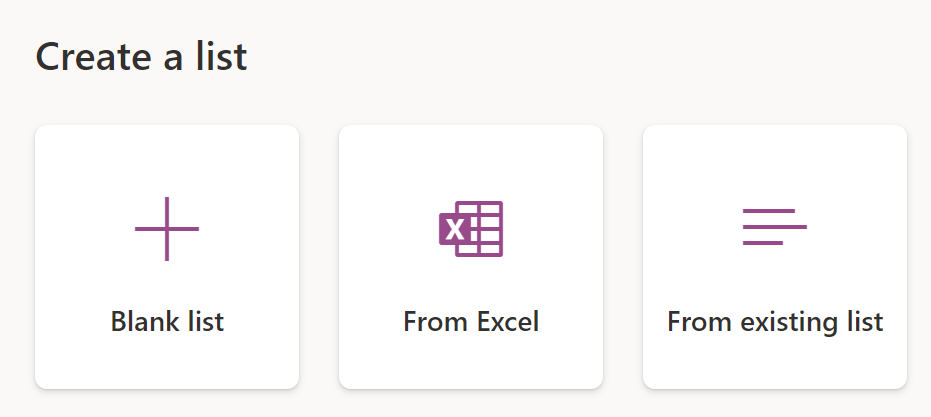
However, there are four options to create a new list within Microsoft Lists. Note, Blank list will only create the Title column for the new list. Any other columns will have to be manually created. From Excel will import headers and content from an Excel worksheet. The import process will create list columns based on worksheet headers and data types. From existing list simply replicates one list to beget another. And lastly, there are predefined list Templates provided by Microsoft…


NOTE: My lists are private and stored in OneDrive.
Conclusion:
Microsoft Lists are SharePoint Lists, but prettier. But they’re also easier for end-users to create and configure. The UI is different and Microsoft auto-generates JSON for custom column formatting, but they’re still SharePoint Lists behind the scenes…
“We live in a system that espouses merit, equality, and a level playing field, but exalts those with wealth, power, and celebrity, however gained.”
Derrick Bell
#BlackLivesMatter
 console.log('Charles');