Using connectors and actions, Power Automate can CRUD data from different sources. Often enough, the returned data is simple text and/ or numerical values, but can sometimes be complex data objects. Represented in a JSON format, the properties of these complex data objects can typically be retrieved with key-value pairs…
- E.g., storing SharePoint list items into an object variable.
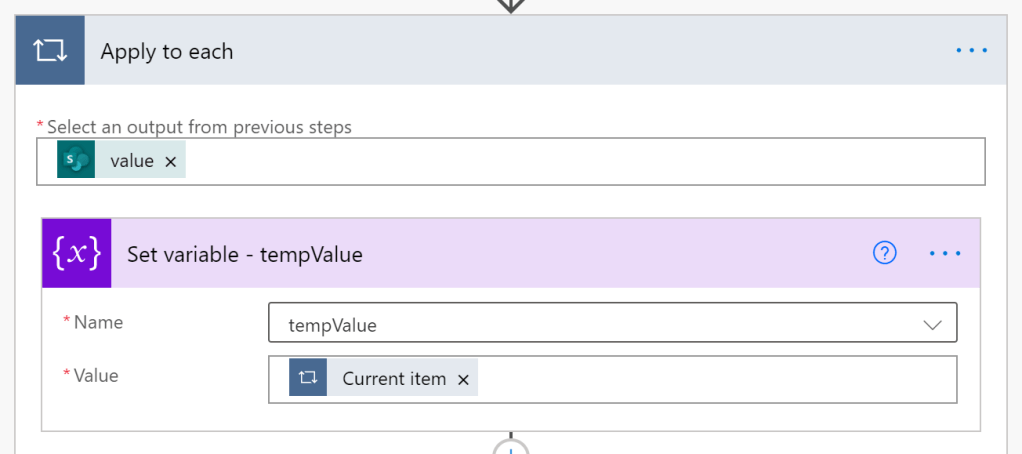
- E.g., current SharePoint list item as JSON data object.

- E.g., returning the Approver value from object variable.
variables('tempValue')['Approver']
- E.g., storing the Approver value into string variable.

Conclusion:
Working with Power Automate object variables is similar to working with objects in JavaScript, PowerShell, C#, etc. Key-value pairs…
“The ends you serve that are selfish will take you no further than yourself but the ends you serve that are for all, in common, will take you into eternity.”
Marcus Garvey
#blacklivesmatter
 console.log('Charles');