[OneDrive for Business] is individual cloud storage for Microsoft 365 work and school accounts. Because of the cloud infrastructure, it also facilitates file sharing and collaboration. But as a bonus, there are several ways to recover OneDrive content…
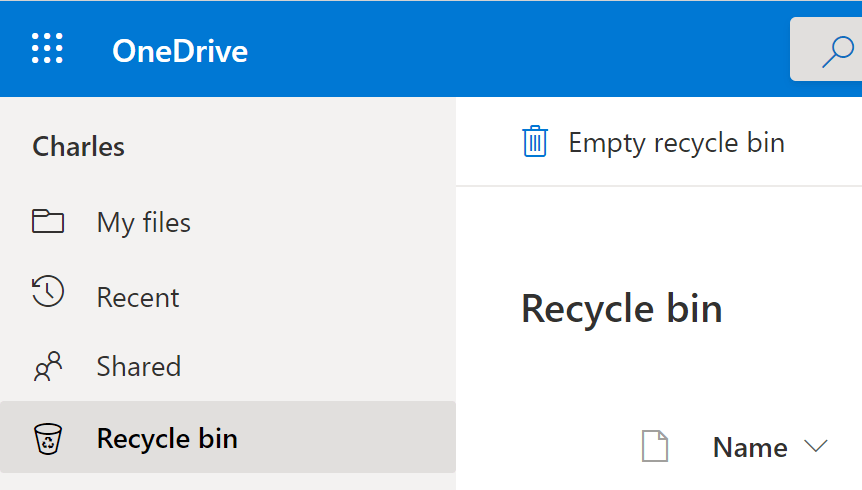
#1 – Recycle Bin.
Deleted content is moved to the site’s Recycle bin. Similar to a local machine, these files and folders can be restored from the Recycle bin…
- E.g., Primary recycle bin.
#2 – Secondary-stage Recycle Bin.
Content will only live in the Recycle Bin for so long before it gets purged. Everything purged from the Recycle bin is then moved to a Second-stage recycle bin, which is exactly what it sounds like. Linked at the bottom of the Recycle Bin, this is the final resting stop before content is permanently purged…
- E.g., Secondary recycle bin.

#3 – OneDrive Restore.
But what if OneDrive is a victim of ransomware? Microsoft takes periodic snapshots of OneDrive and this content can be completely rolled back up to 29 days ago. Fundamentally, this is an undo button for all recent-ish content changes…
- E.g., OneDrive site settings.
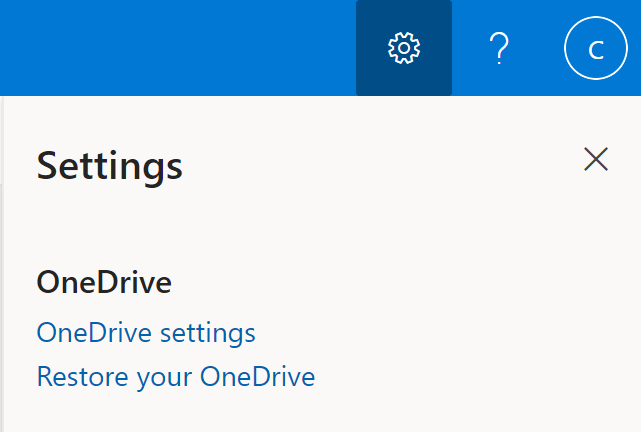
- E.g., Restore OneDrive date options.

#4 – SharePoint Recycle Bin.
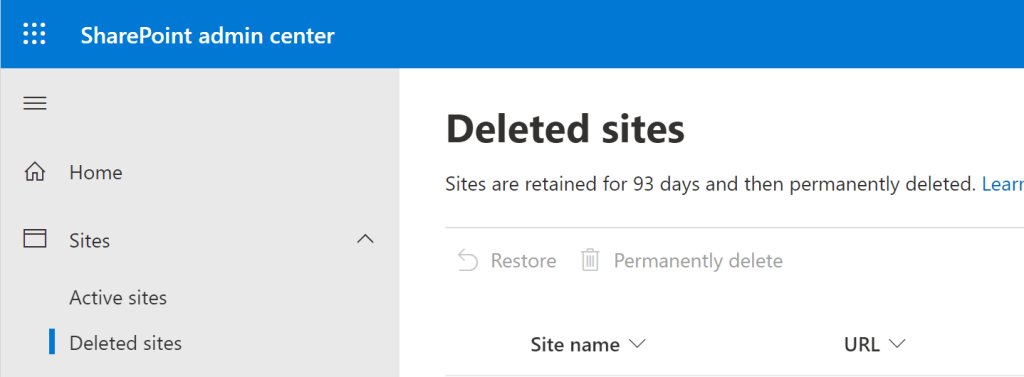
Lastly, what if OneDrive was deleted because an AD account was deleted? Once deleted, these sites are moved to the Deleted Sites section of the SharePoint Admin Center. These deleted sites are retained for 93 days before they are permanently deleted, but can be restored any time before then…
- E.g., Deleted site bin of SharePoint Admin Center.
Or restore the OneDrive site using the available PowerShell command.
- E.g., PowerShell command.
Restore-SPODeletedSite -Identity <URL>
Conclusion:
Microsoft 365’s cloud-infrastructure has backups of backups to restore and/ or recover content…
“Without the rebellious heart, without people who understand that there’s no sacrifice we can make that is too great to retrieve that which we’ve lost, we will forever be distracted with possessions and trinkets and title.”
Harry Belafonte
#blacklivesmatter
 console.log('Charles');