There is are several Math functions available in Power Automate, but I find myself using the basic arithmetic operations most often. An important reminder for each operation, their respective functions will only accept two parameters at a time…
- E.g.,
- add( value1, value2 )
- sub( value1, value2 )
- mul( value1, value2 )
- div( value1, value2 )
If more than two numbers are added, then they’re nested in pairs:
- E.g.,
- add( add( add( value1, value2 ) , value3), value4 )
- add( value1, add( value2, add( value3, value4 ) ) )
- add( add( value1, value2 ), add( value3, value4 ) )
If operations are combined, then they’re nested in pairs:
- E.g.,
- add( sub( mul( value1, value2 ) , value3), value4)
- div( value1, add( value2, sub( value3, value4 ) ) )
- mul( add( value1, value2 ), add( value3, value4 ) )
Scenario:
My reimbursement for travel expenses are being processed. The flow variables are floats because of decimal values…
- Calculate discount amount.
- E.g., multiplication.
mul(
     variables('thisInitialTotal'),
     0.1
)
- Calculate state taxes total.
- E.g., multiplication.
mul(
     variables('thisInitialTotal'),
     0.03
)
- Calculate local taxes total.
- E.g., multiplication.
mul(
     variables('thisInitialTotal'),
     0.025
)
- Calculate total reimbursement amount.
- E.g., addition
- E.g., subtraction.
sub(
     add(
          variables('thisInitialTotal'),
          add(
               variables('thisTaxLocal'),
               variables('thisTaxState')
          )
     ),
     variables('thisDiscount')
)
- Calculate my half to pay because I rode in style…
- E.g., division.
div(
     variables('thisFinalTotal'),
     2
)
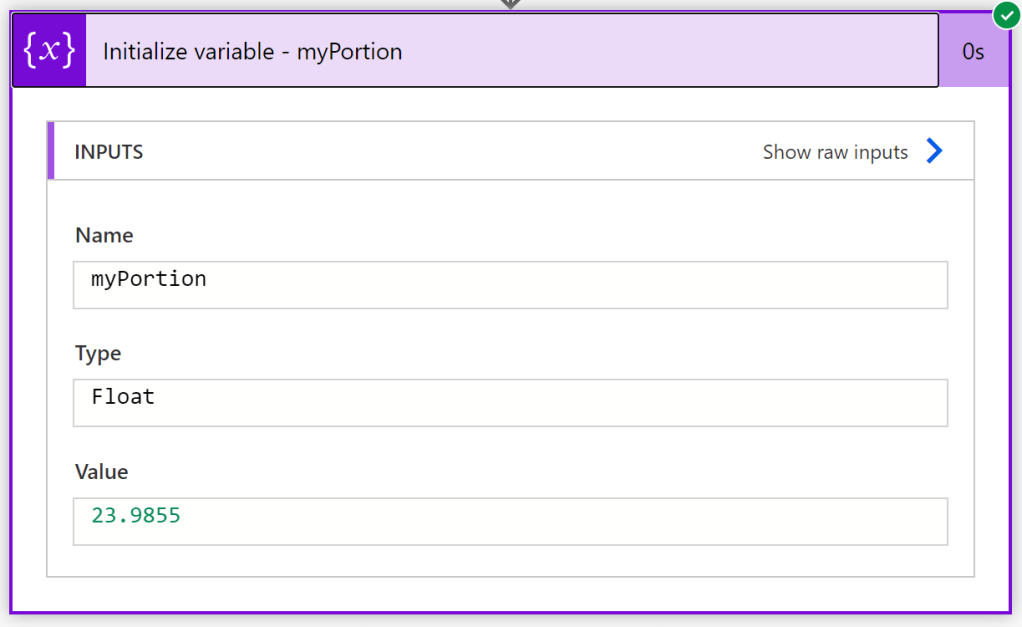
- E.g., successful Flow.
Conclusion:
There are some noticeable differences when coming from C#, Java, or Python… Rather, Power Automate is more similar to working with Excel functions.
“When an individual is protesting society’s refusal to acknowledge his dignity as a human being, his very act of protest confers dignity on him.”
Bayard Rustin
#blacklivesmatter
 console.log('Charles');